TripoSplat 3D Workspace

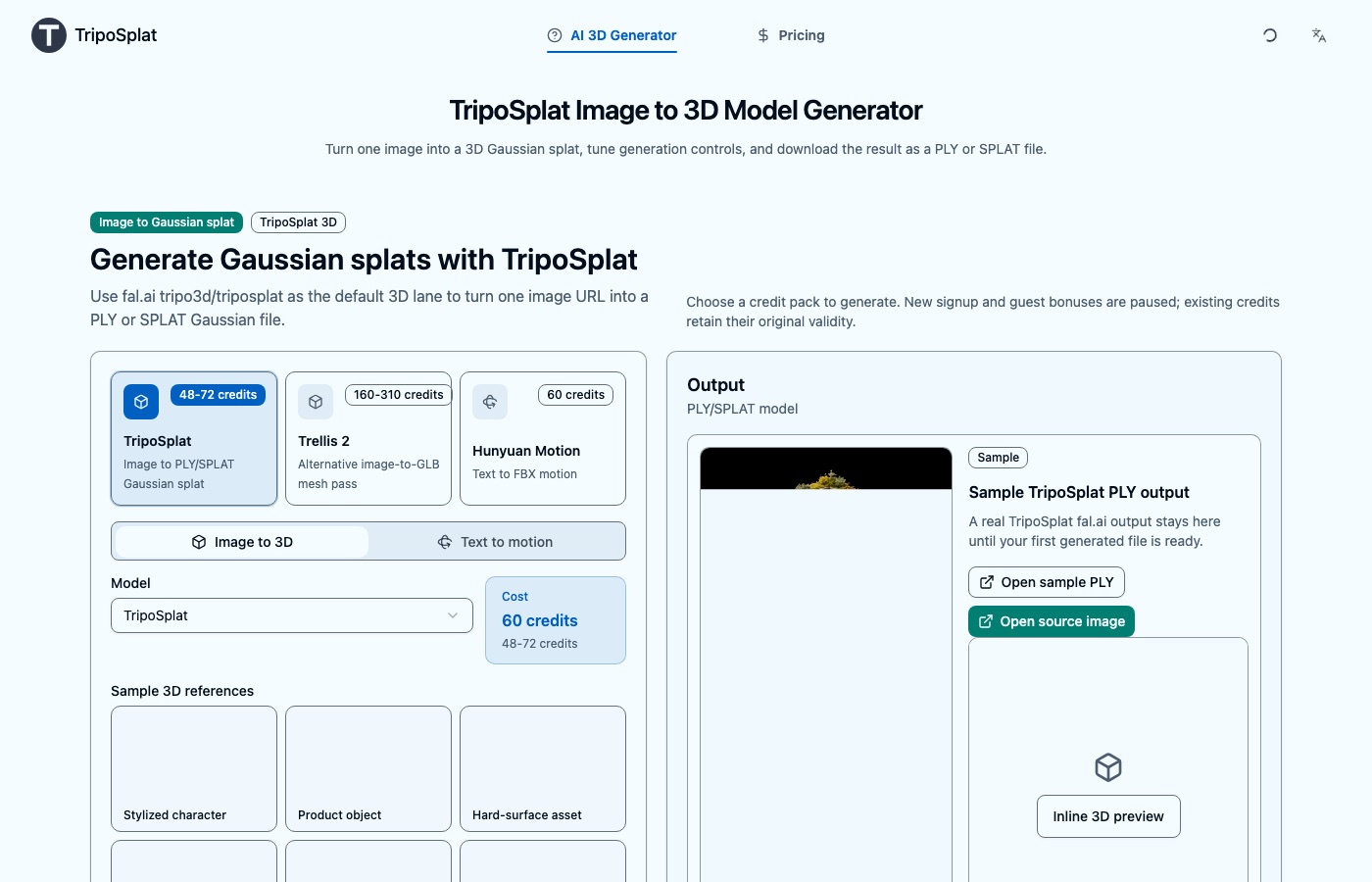
Turn your image into a Gaussian splat and download your PLY or SPLAT file in this TripoSplat workspace.

Image to PLY/SPLAT Gaussian files

Use TripoSplat on triposplat.com for fal.ai tripo3d/triposplat generation, PLY/SPLAT downloads, and account-based task history.

Official TripoSplat sample

See the image-to-Gaussian result before opening the live demo

A fast homepage preview of the TripoSplat fal.ai sample shows the processed image and generated PLY output before the external Space loads.

Halloween AI studio

One selfie. Every Halloween look.

Turn a photo into a costume portrait, a pet cover, a couple shot, or a five-second horror vignette. Every preset opens the editor with a complete prompt and the right workflow already selected.

One selfie. Every Halloween look.

VAST-AI TripoSplat demo

Try the embedded TripoSplat Space

Keep the production workflow in the authenticated generator above; load this external TripoSplat Space only when you want to inspect it.

Official demo stays unloaded until you choose to open it.

Use the production generator above for saved tasks, credits, and downloadable PLY/SPLAT results.

Verified fal.ai sample pair

3D Gaussian Sample

Explore a verified source image and PLY output pair linked from the fal.ai TripoSplat model page.

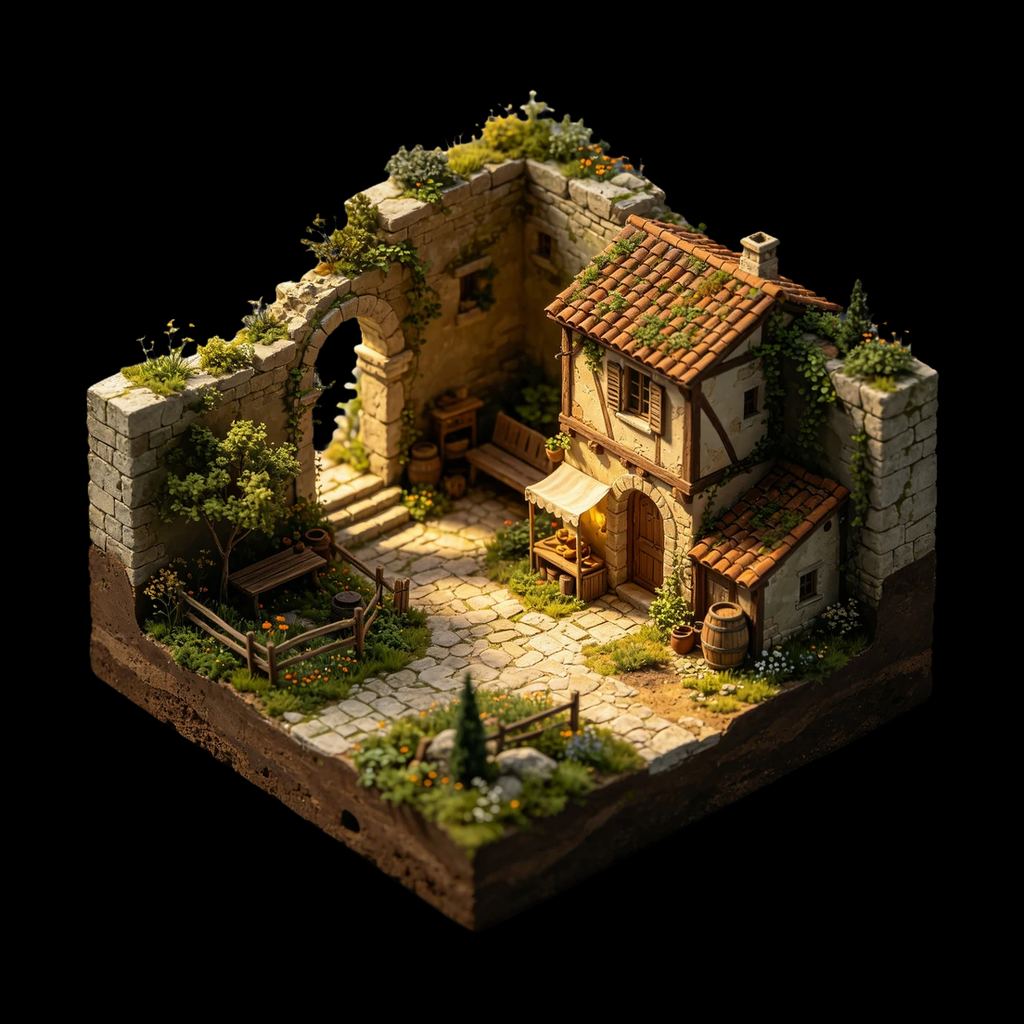
Verified TripoSplat sample 1 input image
Sample 1

Source and preview

Source: 1024 × 1024 px. The displayed preview is this same source asset.

Source

Downloadable output

Real PLY Gaussian splat output from the verified sample pair.

Download PLY

Workflow and limits

Model / workflow
tripo3d/triposplat
Known limits
Single-view reconstruction can miss hidden surfaces. This verified workflow outputs PLY/SPLAT, not GLB, FBX, or PBR materials.

Verified sample fal-sample-0; links are read-only and open in a new tab.
Assets sourced from the fal.ai TripoSplat model page PLY files open in a new tab for inspection.

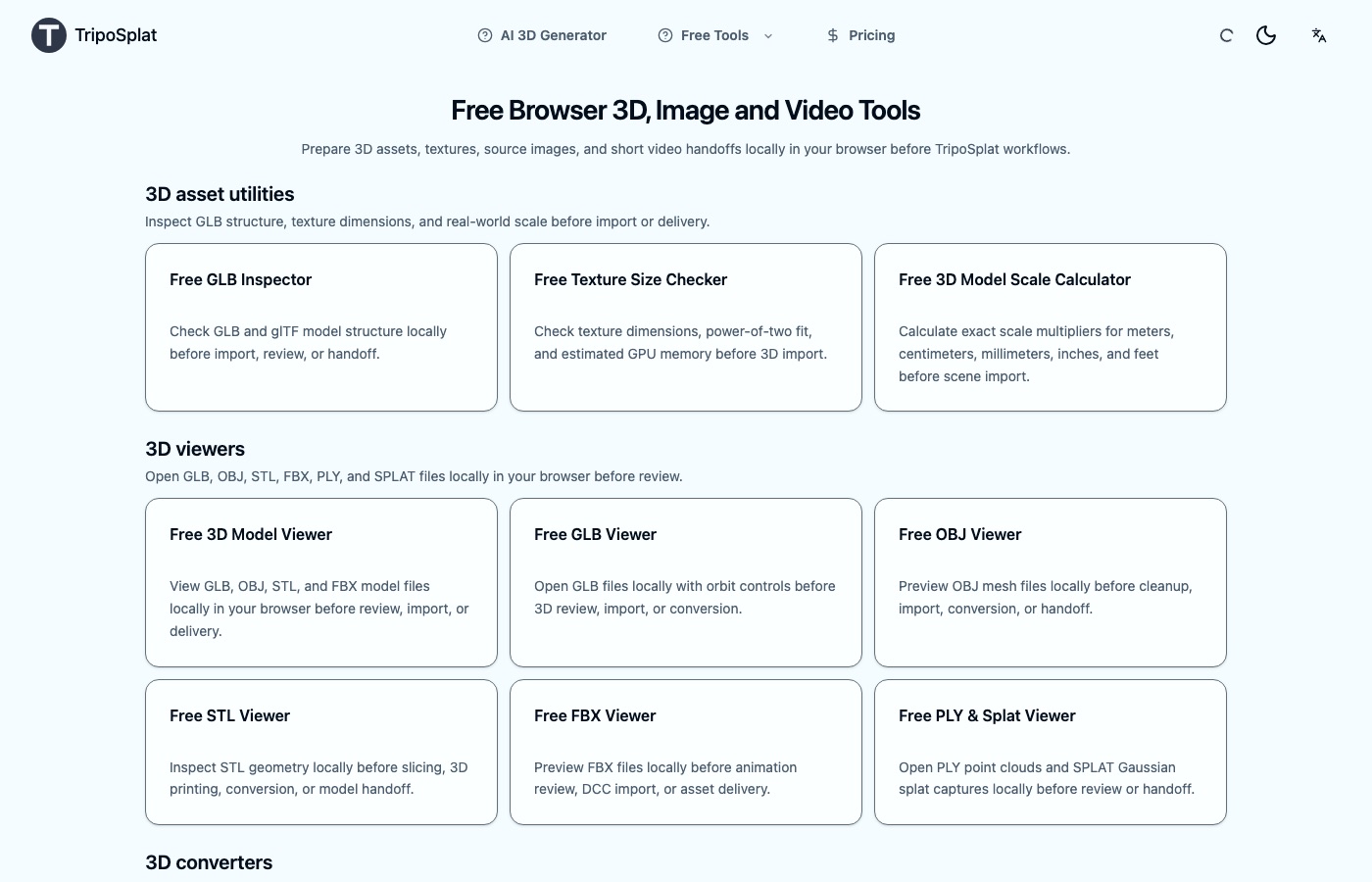
Free browser-based tools

3D Tools & Official TripoSplat Resources

Prepare source images, inspect local 3D assets, and open the official TripoSplat API and demo links before generation or delivery.

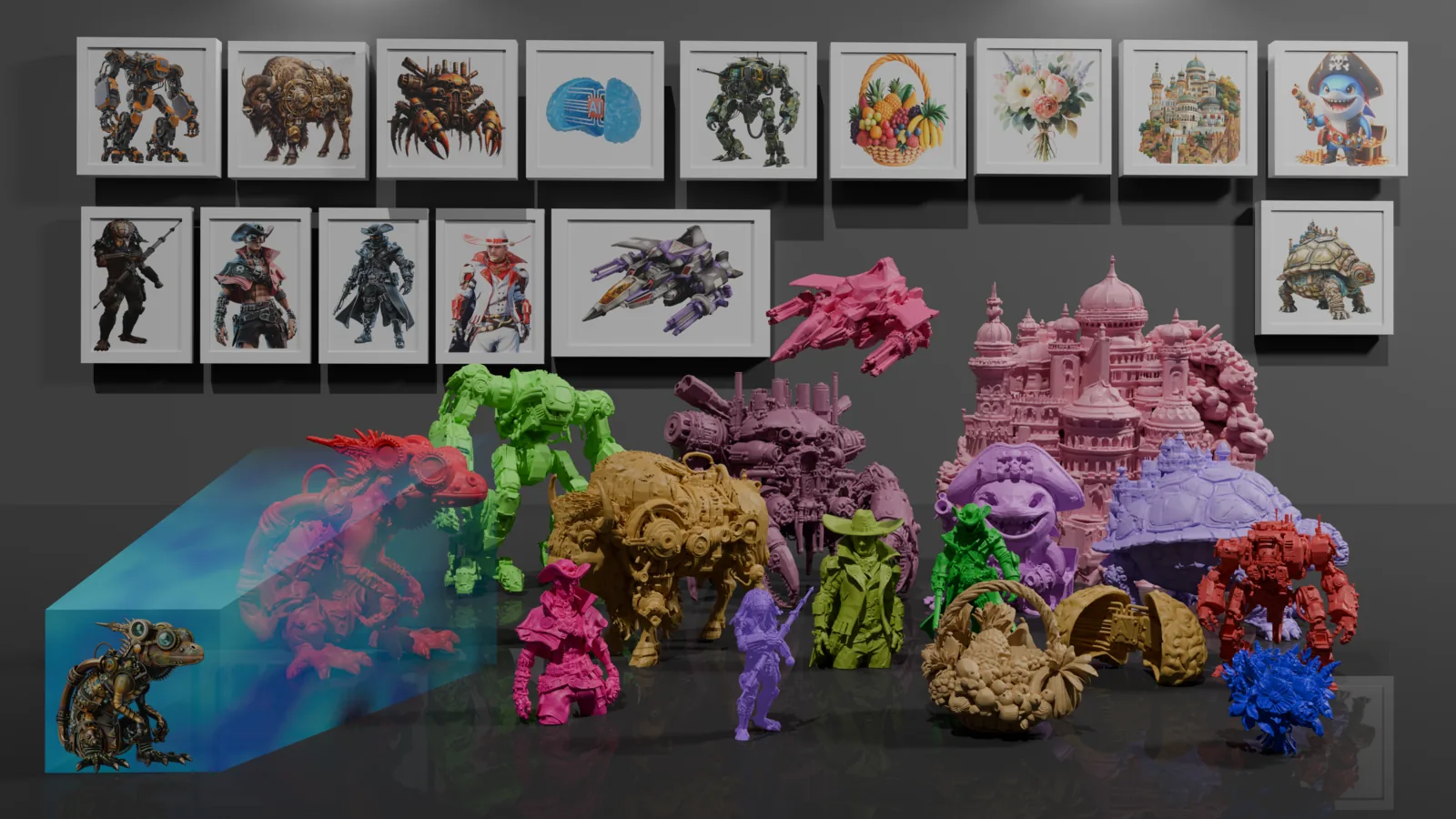
Browser-based TripoSplat asset tools workspace preview

Official Resources

A workspace built for Gaussian splat output

TripoSplat runs the tripo3d/triposplat model end to end: set the Gaussian budget, generate, and download PLY or SPLAT with its settings recorded next to the file.

TripoSplat image-to-Gaussian-splat workspace preview

TripoSplat Image to 3D

Generate PLY or SPLAT Gaussian assets from one image using the TripoSplat model.

TripoSplat Fidelity Controls

Set Gaussian count, inference steps, guidance scale, output format, and safety checking in one workspace.

PLY/SPLAT Delivery Review

Review generated file type, size, URL, and download action before handoff.

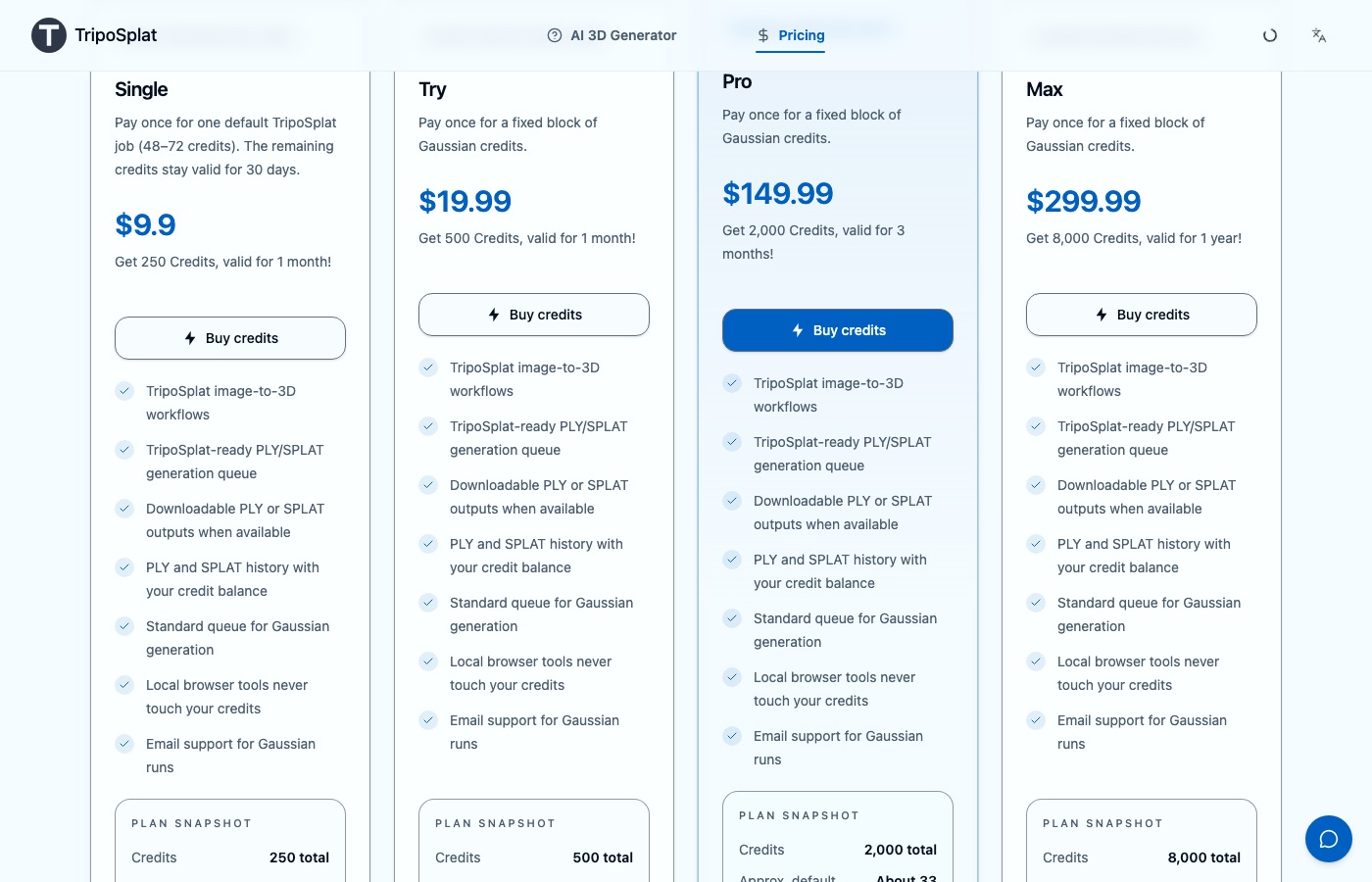
Credit packs

Choose a credit pack to generate. New signup and guest bonuses are paused; existing credits retain their original validity.

Gaussian Files Kept in History

Every PLY and SPLAT stays listed in account history with the settings that produced it, ready to re-download or re-run.

Sign In to Generate

Choose a credit pack to generate. New signup and guest bonuses are paused; existing credits retain their original validity.

How to Use TripoSplat

Upload an image, set TripoSplat quality, choose PLY or SPLAT, then download the generated 3D Gaussian file.

TripoSplat credit packs and checkout options
1

Upload an Image

Start image-to-3D with a public image URL or an uploaded product, character, object, or concept reference.

2

Choose TripoSplat Quality

Use TripoSplat presets for Gaussian count, inference steps, and guidance before export.

3

Review the 3D Pass

Check the task result, file type, seed, and generated download link before handoff.

4

Download Outputs

Open or download PLY/SPLAT files from the workspace or account activity after the 3D pass is approved.

TripoSplat FAQ

Fast answers about TripoSplat image-to-3D, credits, accounts, PLY/SPLAT outputs, privacy, and support.

  1. 1

    What can I generate on TripoSplat?

    TripoSplat reconstructs one image as a Gaussian splat and writes it out as PLY or SPLAT. You can tune the Gaussian budget and inference settings before the run and keep the file type your downstream tool needs.

  2. 2

    Can I generate before creating an account?

    Choose a credit pack to generate. New signup and guest bonuses are paused; existing credits retain their original validity.

  3. 3

    When should I use the TripoSplat lane?

    Use the TripoSplat lane when you want a Gaussian splat file. The Trellis 2 lane is there for when you would rather compare against a mesh reconstruction of the same image.

  4. 4

    How is TripoSplat different from Meshy or Rodin?

    Meshy and Rodin are mesh-first: they return a textured mesh in surface formats such as GLB. TripoSplat is splat-first: one image in, a Gaussian splat out as PLY or SPLAT, which a viewer or turntable can open but a slicer cannot print as-is. The dated 2026 comparison with Meshy and Rodin is on the image to 3D alternatives page.

  5. 5

    What happens if a TripoSplat run fails?

    A run that failed on our side is reviewed for a credit refund under the Refund Policy; a run that delivered a PLY or SPLAT file consumes its credits. Unused one-time credits can be requested within 3 calendar days. If the splat only looks wrong from certain angles, the usual cause is the source image: one photo cannot cover the back of a subject, so start again with a sharper, evenly lit image.

  6. 6

    Do the browser tools cost anything?

    No. Viewing, GLB inspection, format conversion, texture checks, scaling, and compression all run in your browser. None of them upload your files or consume TripoSplat credits.

  7. 7

    Can I ship a Gaussian capture in a commercial project?

    Your rights depend on the photograph or render you supplied and the model terms behind the lane you used. The business certificate in your account records commercial-use access if a client or marketplace requires it.

  8. 8

    What happens to my source image?

    Your source image goes to the Gaussian generation provider for the job you started and nothing else. Generated PLY and SPLAT files stay in account history so you can download them again.

  9. 9

    How do I report a failed Gaussian run?

    Email support@triposplat.com with your account address and the task ID from your activity list. Failed TripoSplat runs are reviewed for a credit refund under the Refund Policy.

Need help? Email support@triposplat.com

Generate your first TripoSplat asset

Upload an image, review the 3D pass, and download a PLY or SPLAT file from the AI 3D Generator workspace.

Get notified when new features ship

One email when a new TripoSplat product or feature launches. No spam, unsubscribe anytime.